ReadAll
An RSS, Atom and JSON Feed reader for iPhone, iPad and Mac, synced through iCloud
About
ReadAll is a feed reader for iPhone, iPad and Mac. Subscribe to websites, blogs, podcasts, YouTube channels, subreddits and GitHub projects, and read them in one list that stays in step on all your devices through iCloud.
ReadAll is free, with no ads, no account and no tracking.
Features
- Subscribe to almost anything: RSS, Atom and JSON Feed. Enter a website’s address and ReadAll finds its feeds; it also follows YouTube channels, subreddits and GitHub projects (releases, tags and commits). Import and export your subscriptions as OPML.
- Read the whole article: articles with their pictures and a reading time. When a feed sends only a summary, Load Full Article brings in the rest from the article’s page. Pick the font, a sepia or dark theme, the text size and the line width.
- Summaries, translation and reading aloud: the gist of a long article from the on-device model where Apple Intelligence is available, translation on your device that keeps the article’s layout, and reading aloud that keeps playing while you browse.
- Podcasts and videos: play episodes in the reader, and turn an episode into a transcript on your device, then tap any paragraph to play from there.
- Comments: the discussion of a Hacker News, Lobsters, Reddit, Stack Exchange or GitHub link, beside the article.
- Keep up: folders in your order, unread counts, stars, swipes to mark read or star, marking everything above or below as read, muted keywords, and notifications for the feeds you choose.
- Everywhere: subscriptions, folders and articles, read and starred, sync through iCloud. Widgets (the Lock Screen too), Siri and Shortcuts, Spotlight, Handoff and Focus filters; on the Mac, an unread count in the menu bar and keyboard shortcuts for everything.
- In English, German, French, Spanish, Japanese, Chinese (Simplified) and Russian.
Screenshots
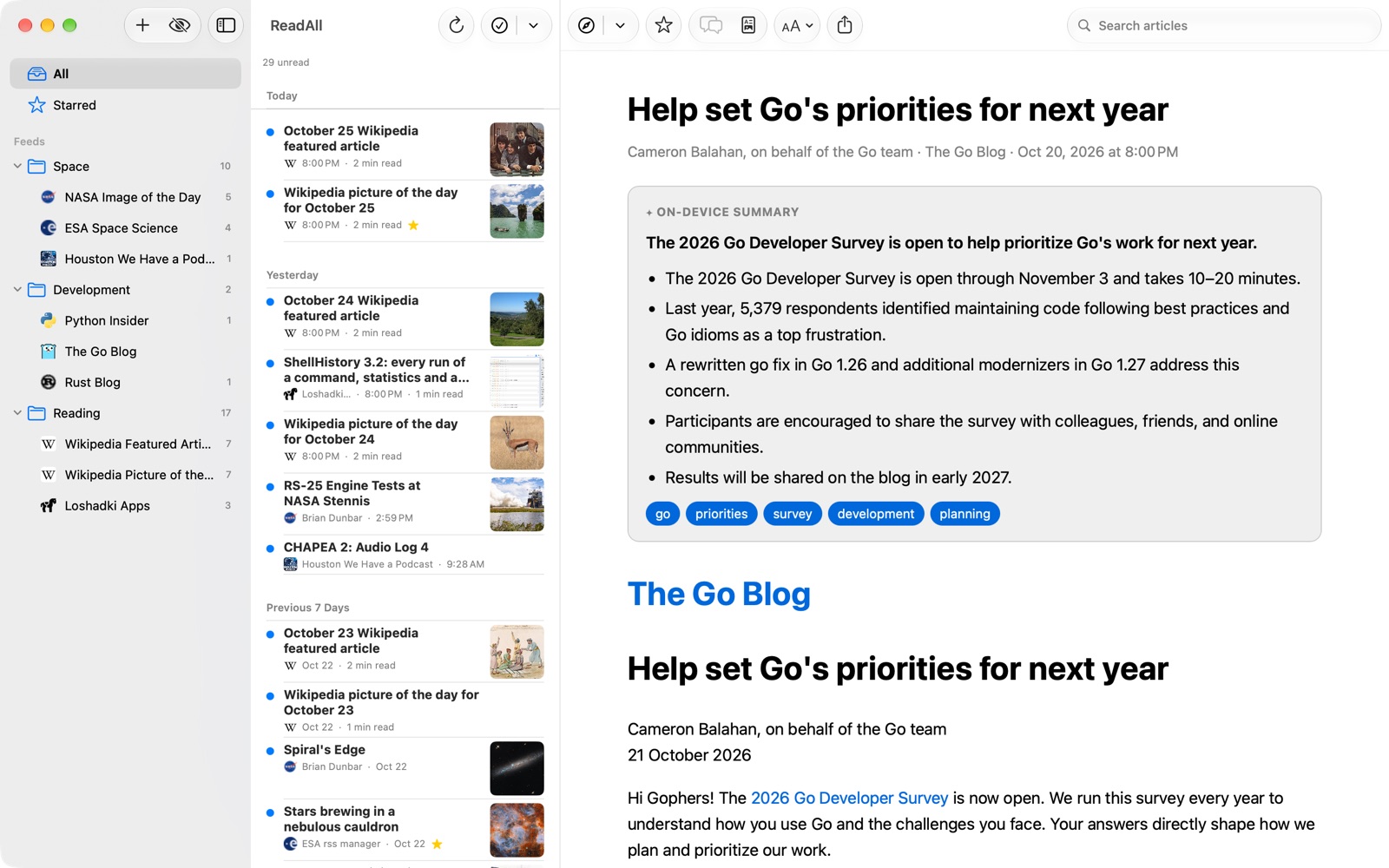
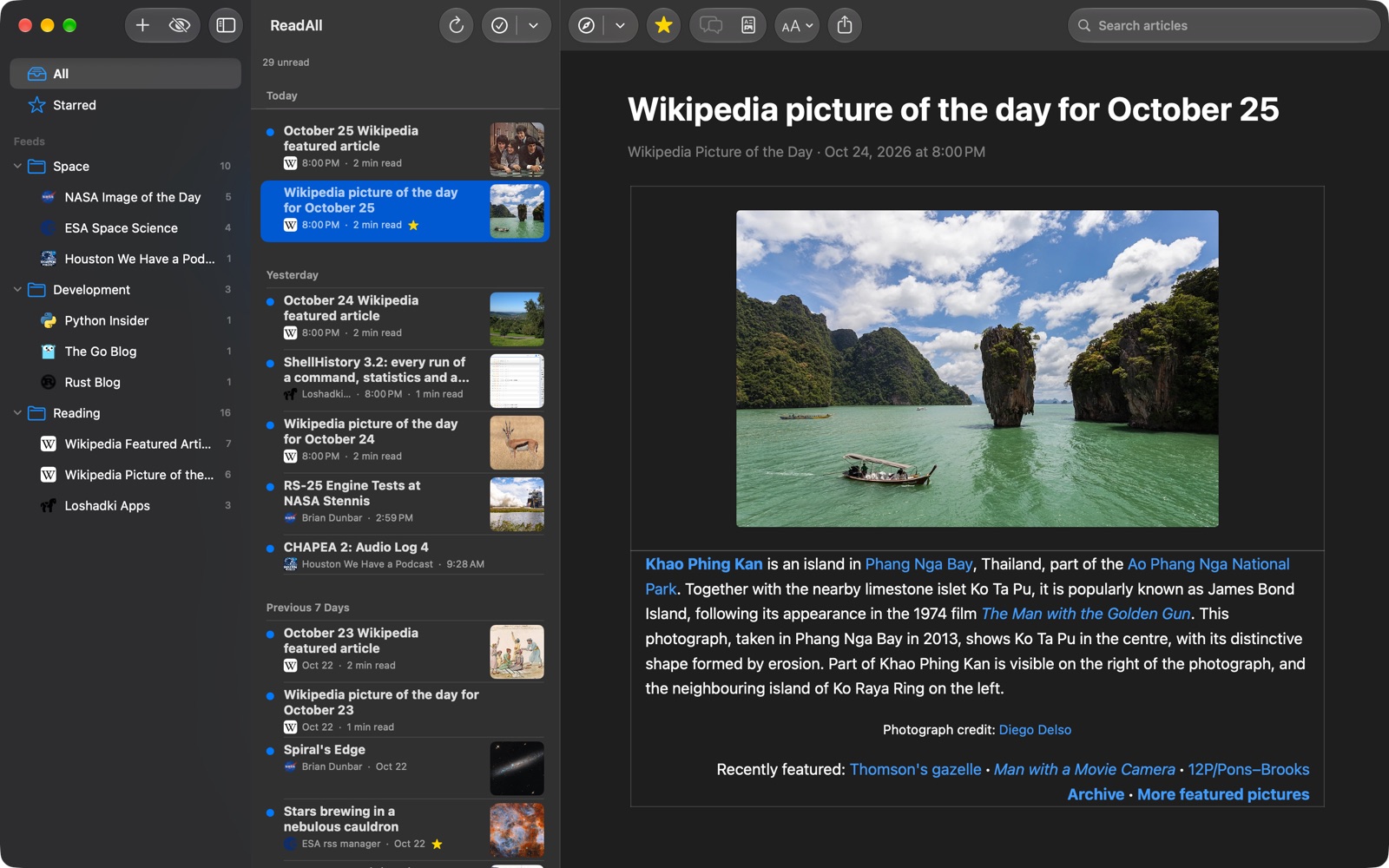
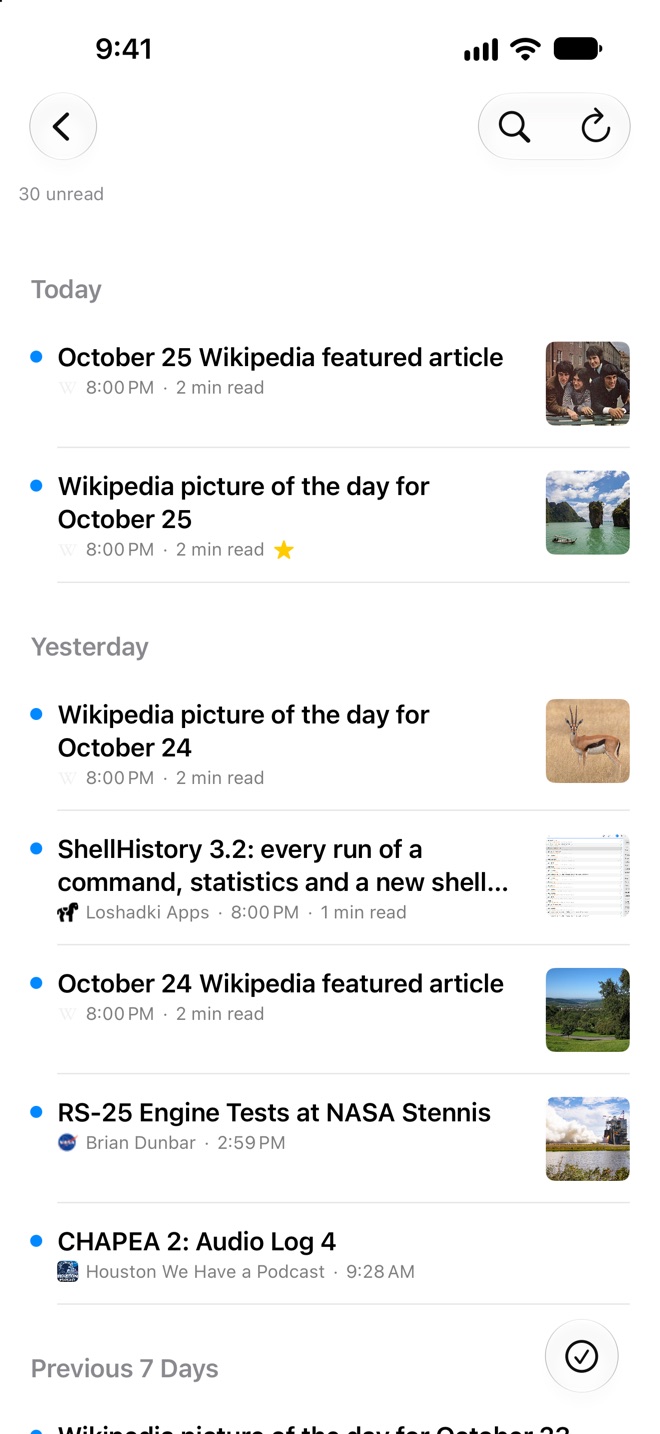

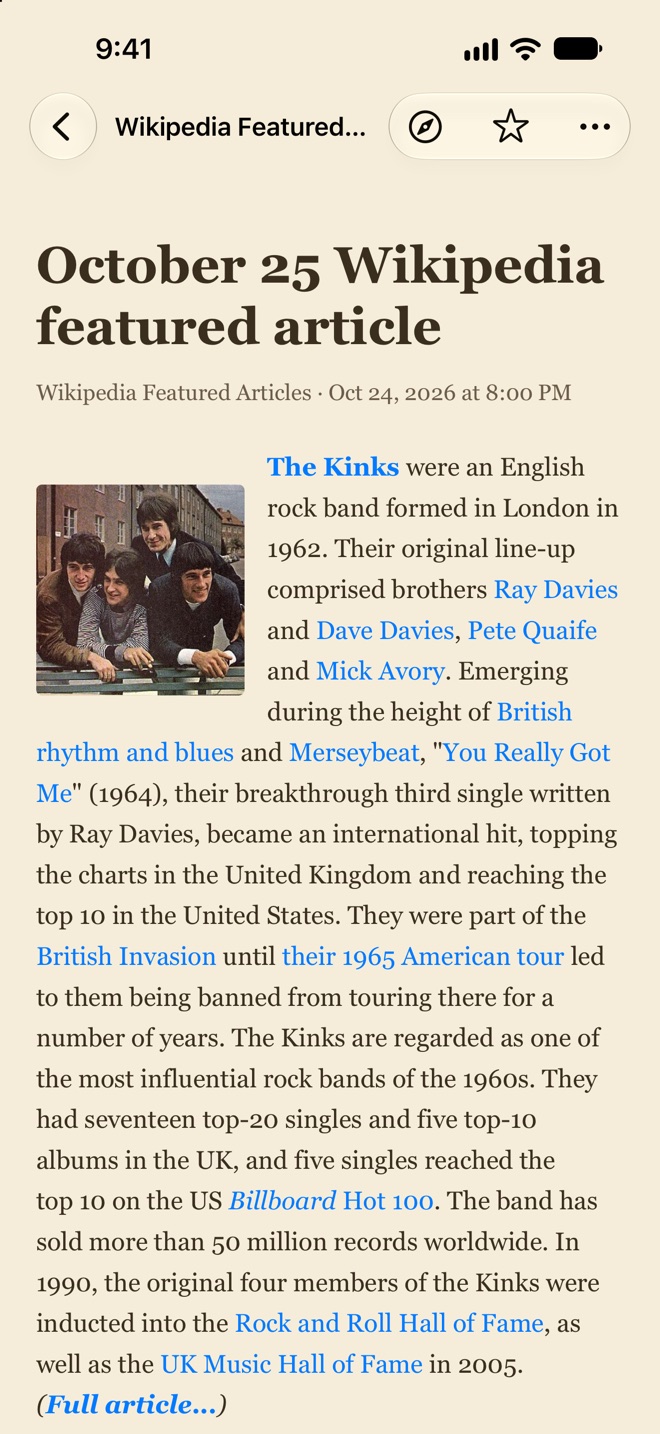
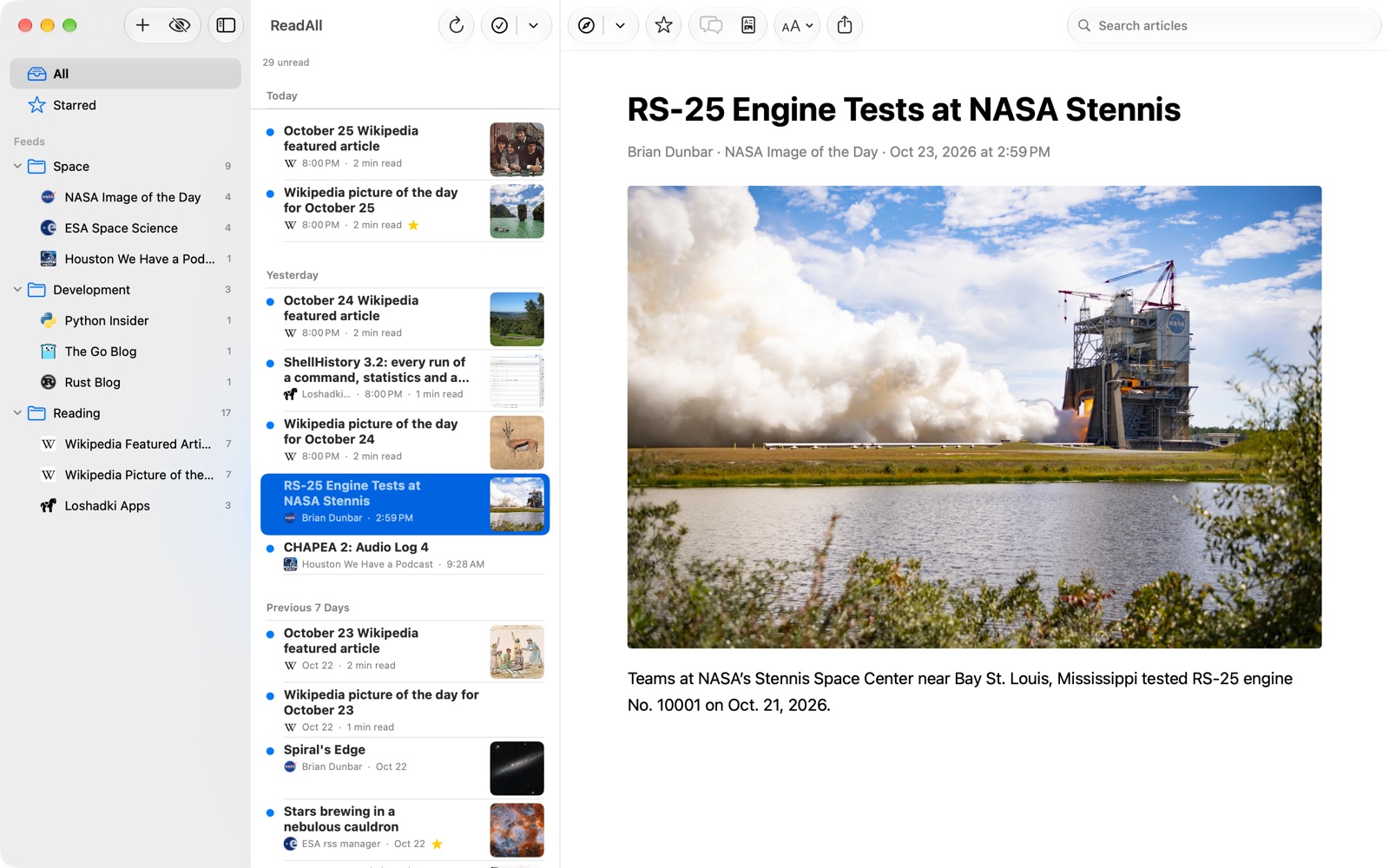
The screenshots show public feeds: NASA, ESA, Swift.org, Python, Go, Rust, Wikipedia and this site’s blog.
FAQ
Is ReadAll free?
Yes. There are no ads and nothing to unlock. If ReadAll is useful to you, you can leave a tip in Settings: tips support its development.
How does sync work?
Through your own iCloud account. Your subscriptions, folders and articles, and which ones you’ve read or starred, are kept on your devices and in your iCloud account. We can’t see any of it. Without iCloud, ReadAll works the same on one device.
Where are summaries and translations made?
On your device, with Apple’s frameworks: summaries need Apple Intelligence. If you turn on Summarize long articles with Private Cloud Compute in Settings, an article too long for the on-device model is sent whole to Apple’s Private Cloud Compute, which doesn’t keep what it’s sent. It’s off unless you turn it on.
A feed doesn’t refresh
ReadAll fetches feeds when it opens, every so often while it’s open, and in the background when the system lets it. A feed that keeps failing for a day gets a warning in the sidebar: tap it to see what went wrong. If a site has moved its feed, open Edit on the feed to change its address.
The translation has a mistake
ReadAll was translated with AI, and the app says so in Settings. If something reads wrong, please use Report a problem… there, or write to support@loshadki.app.
Privacy Policy
ReadAll has no account, no analytics, no ads and no tracking.
Feeds and articles. ReadAll fetches the feeds you subscribe to directly from the sites that publish them, along with their pictures and site icons, and an article’s page when you load the full article. Discussions come from the public APIs of Hacker News, Lobsters, Reddit, Stack Exchange and GitHub when you open them. These requests go from your device to those sites, as any web request does, and the sites handle them under their own policies.
Your library. Your subscriptions, folders and articles, and which ones you’ve read or starred, are stored on your devices and synced through your own iCloud account; we can’t see them.
Summaries, translations and transcripts. These are made on your device. Only if you turn on Private Cloud Compute in Settings is a long article’s text sent to Apple’s Private Cloud Compute to be summarized, under Apple’s privacy policy; it isn’t stored.
Tips. Apple processes tips. We don’t receive your payment details.
We believe very strongly in our customers’ right to privacy. Our customer records are not for sale or trade, and we will not disclose our customer data to any third party except as may be required by law.
Any information that you provide to us in the course of interacting with our sales or technical support departments is held in strict confidence. This includes your contact information (including, but not limited to your email address and phone number), as well as any data that you supply to us in the course of a technical support interaction.
Support
Please email us any suggestions, ideas, questions or discovered bugs to support@loshadki.app