RegExp 3.0 is out for Mac, iPhone and iPad. It is the biggest update since the first version: a new engine, new ways to understand and test patterns, and the app now speaks ten languages.
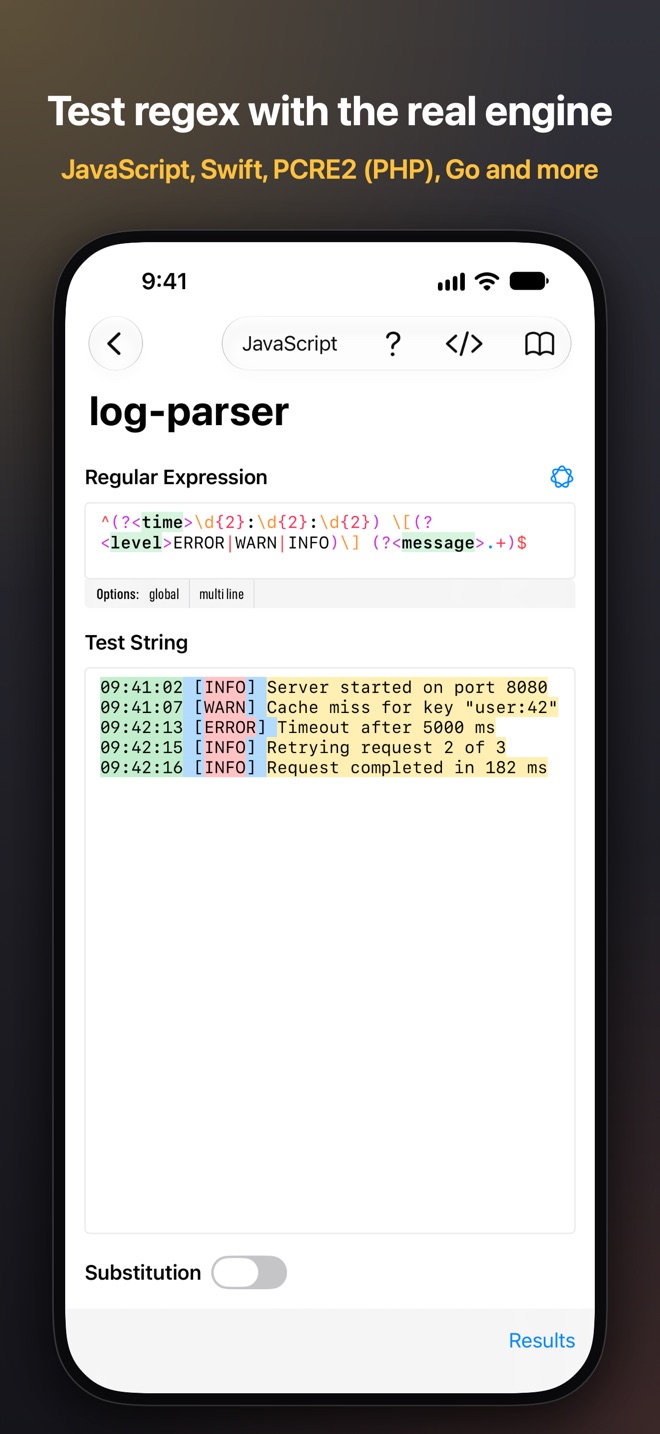
The idea behind RegExp has not changed. When you write a regular expression for Go, JavaScript or Swift, you want to test it with Go, JavaScript or Swift, not with an engine that behaves almost the same. Every flavor in RegExp runs on its real engine.
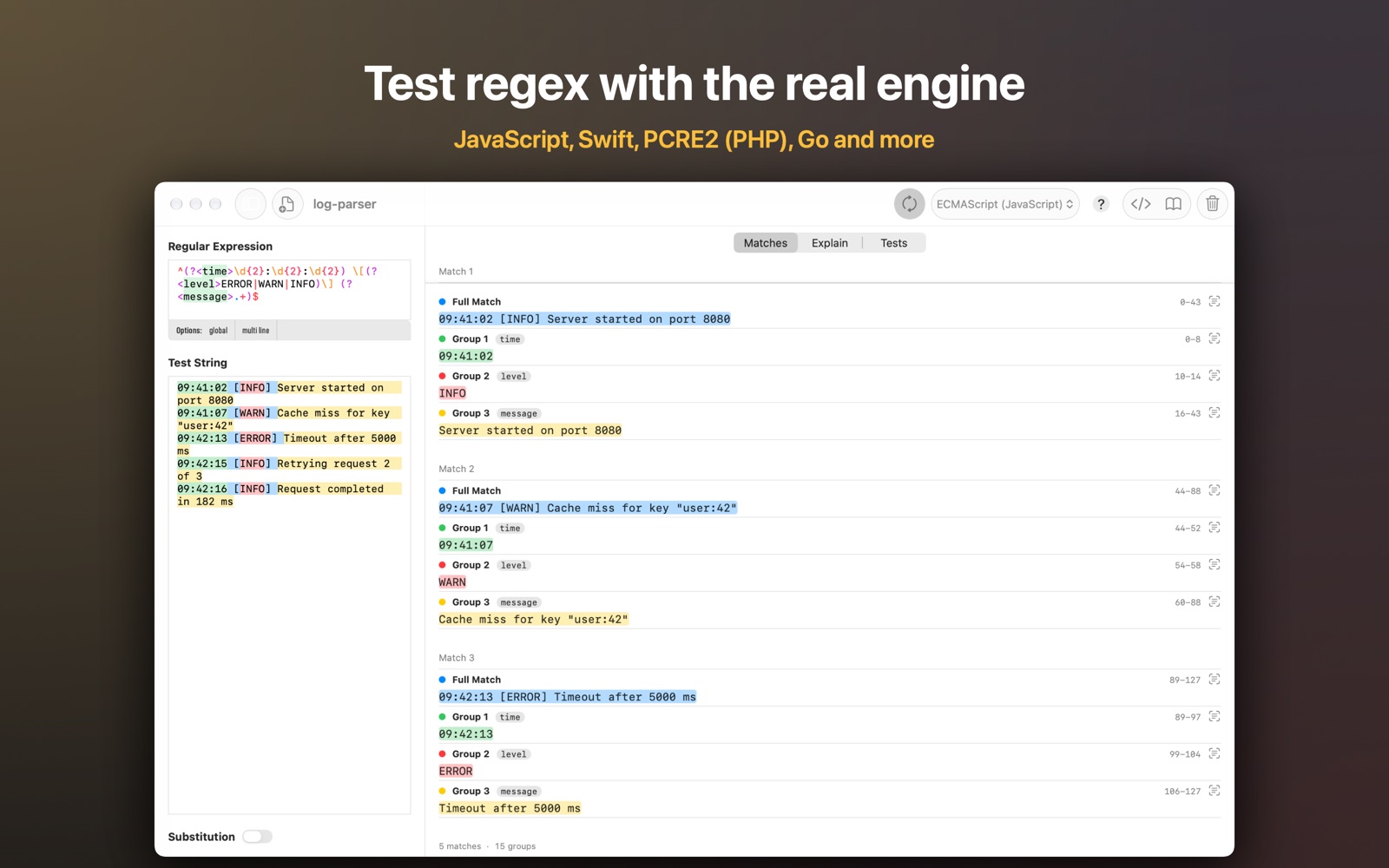
PCRE2, and Go on iPhone and iPad
RegExp now includes PCRE2, the engine behind PHP’s preg_* functions, on every device.
Go, which used to be Mac-only, now runs on iPhone and iPad too. That makes six flavors everywhere:
- Swift Regex
- NSRegularExpression (Objective-C and Swift)
- JavaScript (ECMAScript)
- PCRE2 (PHP)
- Go and Go (POSIX)
When a pattern is ready, Copy as Code (⌥⌘C) copies it as ready-to-use Swift, Objective-C, JavaScript, Go or PHP code, with the escaping each language needs.
Explain
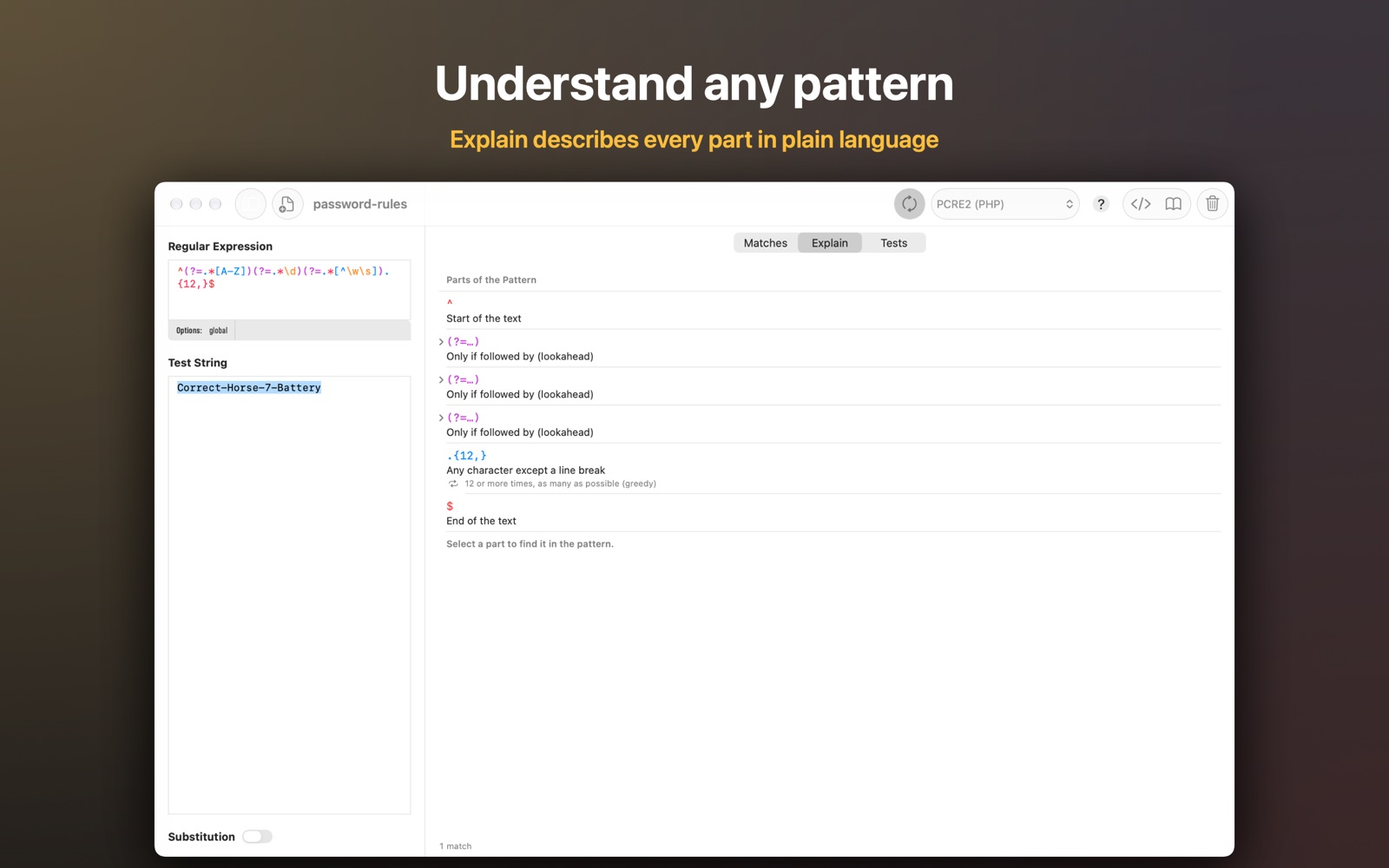
Regular expressions are easy to write and hard to read, especially a few months later. The new Explain tab describes every part of a pattern in plain language: groups, lookaheads, quantifiers, character classes. Select a part to find it in the pattern. It also tells you when the flavor you picked doesn’t support something, a mistake that is easy to miss when you move a pattern from one language to another.
Test cases
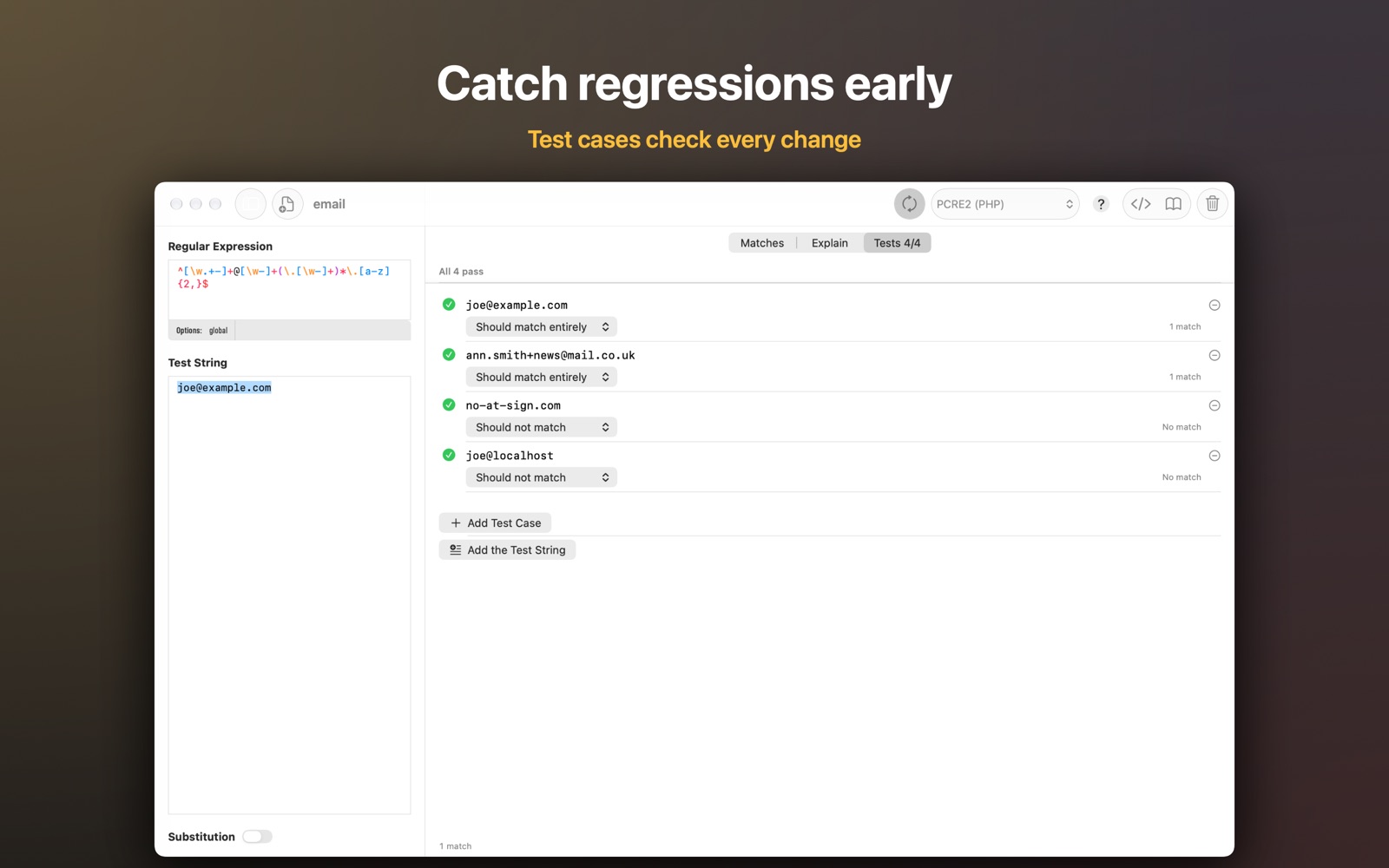
A session can now keep test cases: strings the pattern must match entirely, must match somewhere, or must not match at all. RegExp checks them on every run, so when you tweak the pattern for one new input, you see right away if it broke the old ones.
Apple Intelligence
On devices with Apple Intelligence, RegExp can write a pattern from a description, or summarize what a pattern does. It uses the on-device model, so your text doesn’t leave the device.
Everything else
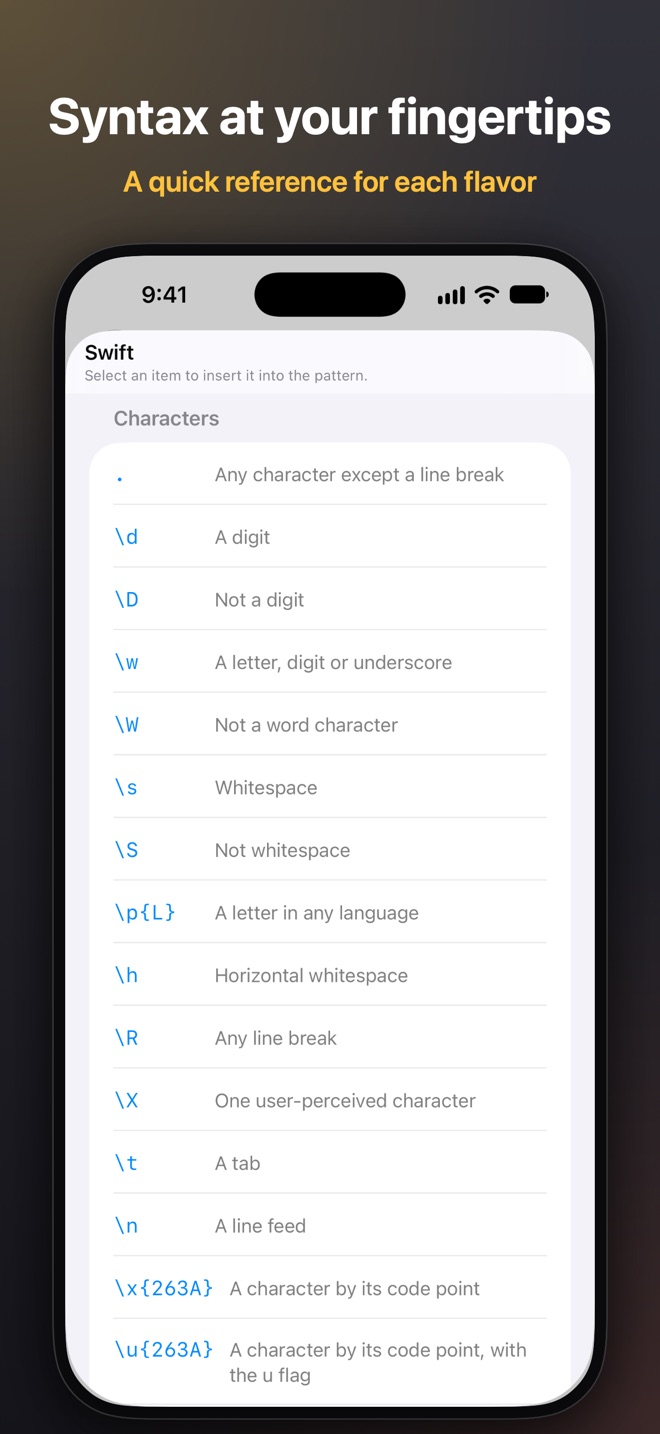
- A quick reference of each flavor’s syntax (⌥⌘0): select an item to insert it
- List mode for substitution: expand the replacement once per match, handy for extracting text
- Errors are marked right in the pattern, unbalanced brackets too
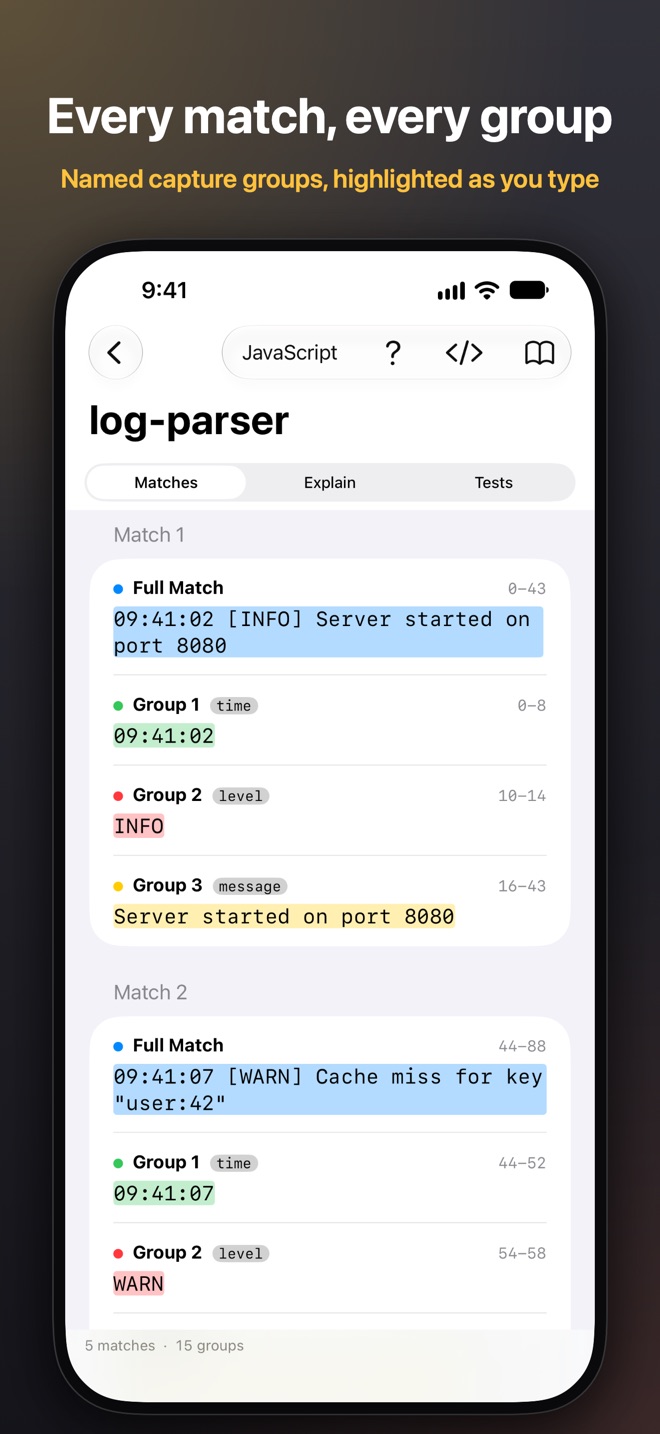
- Jump between matches (⌥⌘↓ and ⌥⌘↑), and the match under the cursor shows in the results
- Search sessions, duplicate them, open them in their own window, export and import them
- Shortcuts actions, Spotlight search for sessions, and a Services menu item for selected text on the Mac
- Richer pattern highlighting, editor font size, and Settings on iPhone and iPad
- Slow patterns time out instead of freezing the app, and many fixes
Ten languages
RegExp now speaks German, French, Spanish, Italian, Portuguese, Ukrainian, Russian, Japanese and Chinese, as well as English. The translations were made with AI, and the app says so in About. I would rather be upfront about it. If something reads wrong in your language, please use Report a problem… in About; it writes an email to me with the language already filled in.
Regex syntax, engine error messages and option names stay as they are in every language, since that is what you will see in your code and documentation.
Free, with Pro
Most of RegExp is free. RegExp Pro is a one-time purchase that works with Family Sharing. It adds Explain, test cases, Apple Intelligence and the advanced options of every flavor. If you already own Pro, the new features are yours.
Download RegExp from the App Store for iPhone and iPad, or the Mac App Store. Your sessions sync between them with iCloud.
If you find a bug or have an idea, write to support@loshadki.app.